
AnonyTun
Tools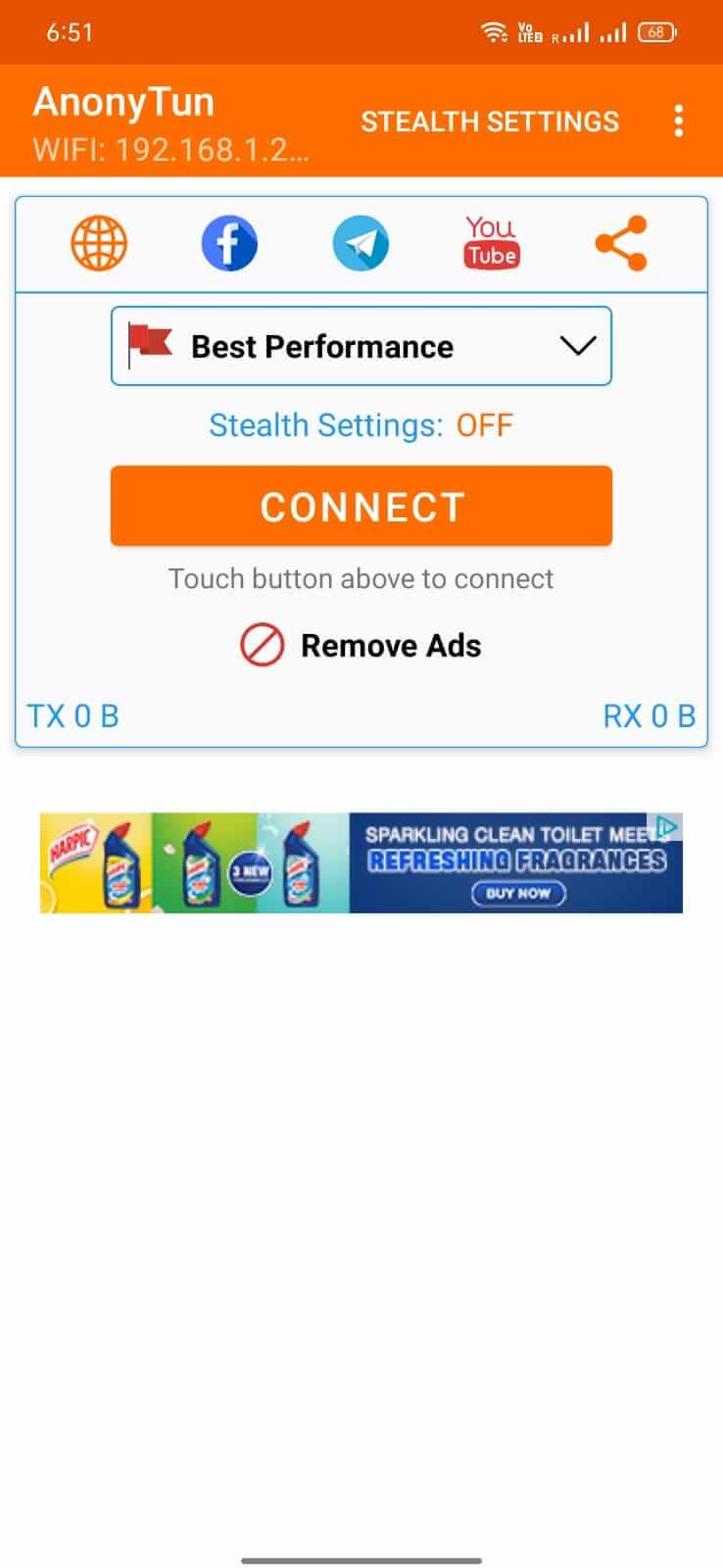
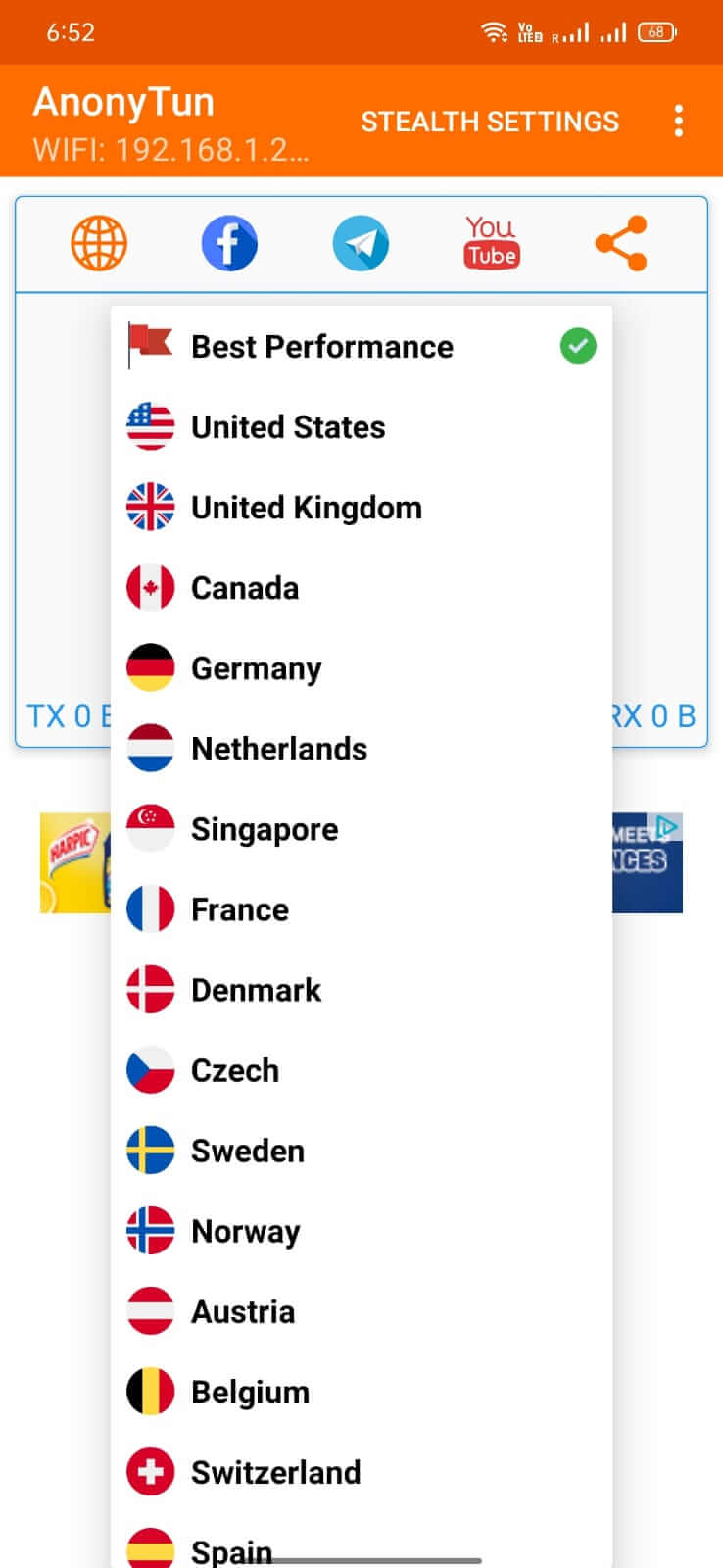
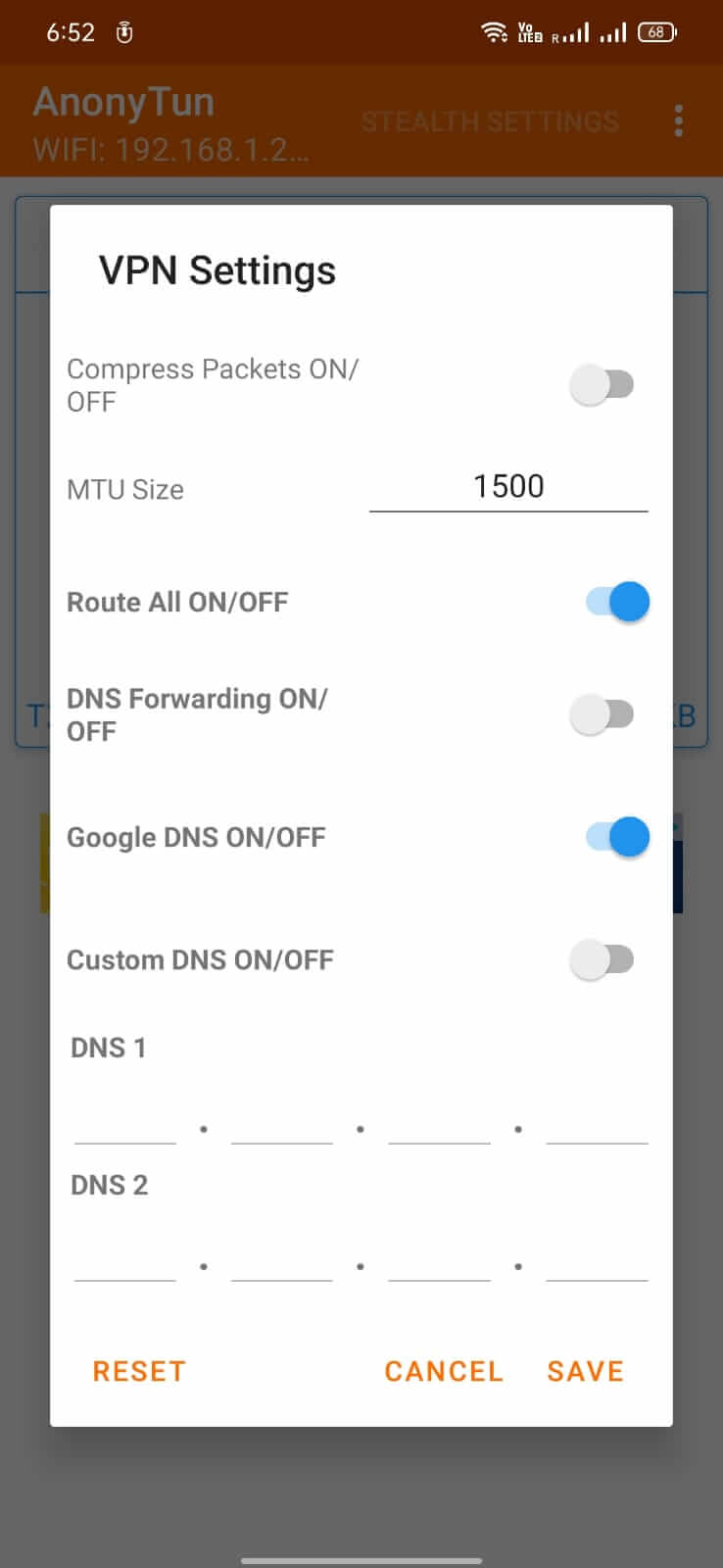
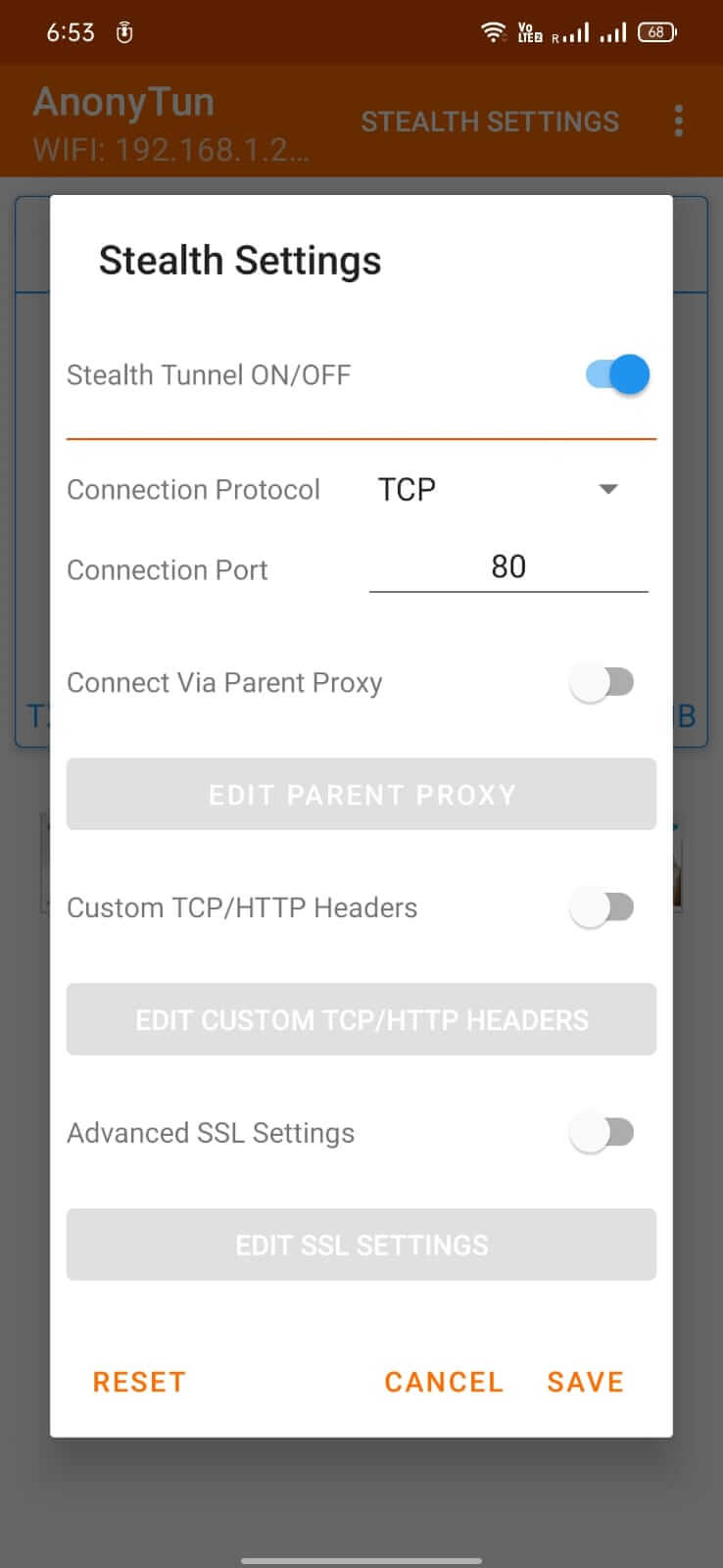

AnonyTun is a lightweight VPN application for Android that helps you bypass government or network firewalls and reach blocked websites. The app focuses on providing a simple, anonymous browsing experience without requiring a subscription.
This page gives you the latest version details, installation steps, compatibility notes, and safety considerations so you can decide whether AnonyTun fits your needs.
Quick Information
| App/Game Name | AnonyTun |
| Latest Version | 15.4 |
| Developer | Not listed |
| Category | Apps / Tools |
| App Size | 16.69 MB |
| Package Name | com.anonytun.android |
| Last Updated | 1 October 2026 |
What Is AnonyTun?
AnonyTun is a free VPN tool designed to route your internet traffic through external servers, masking your IP address and allowing access to sites that might be restricted in your region. It offers a clean interface and aims for easy setup, making it suitable for users who need occasional anonymity without the complexity of premium VPN services.
Key capabilities include:
- Bypassing network firewalls and censorship.
- Anonymous browsing by hiding your real IP address.
- Simple on‑off toggle for quick activation.
Limitations are typical of free VPNs: server selection is usually limited, and performance may vary depending on your location and network conditions.
Compatibility
| Android Version | ✓ Verified — Android 4.1 and later |
| Architecture (ARM64 / 32-bit) | Not Verified |
| Internet Connection | ✓ Verified — May be required for ads, updates, or login |
| Storage Needed | Not Verified |
| OBB/Data Files | Not Verified |
| Root Required | Not Verified |
How to Install
- Enable installation from unknown sources in your Android settings (Settings → Security → Allow unknown apps).
- Download the AnonyTun APK file from this page.
- Open the downloaded file and follow the on‑screen prompts to install.
- Once installed, launch AnonyTun and grant any required VPN permission.
- Toggle the switch to connect. You should now be able to access previously blocked websites.
Troubleshooting
- App Not Installed: Ensure the APK is fully downloaded and that your device allows installations from unknown sources.
- Crashes on Startup: Clear the app cache (Settings → Apps → AnonyTun → Storage → Clear cache) and try reopening.
- VPN Connection Fails: Verify that no other VPN or proxy is active. Restart your device and try again.
- Blocked Sites Still Unreachable: The free server may be overloaded; try reconnecting after a few minutes.
Safety & Security
Because AnonyTun is a free, unverified build, you should review the permissions it requests before installing. Typical VPN permissions include network access and the ability to create a virtual network interface. Avoid entering sensitive personal data (banking, passwords) while using any free VPN, as the provider’s privacy policies are not publicly disclosed.
Keep in mind that updates to Android or to the app itself may affect functionality. Regularly check for newer versions if you experience issues.
How AnonyTun Compares
| Feature | AnonyTun | ExpressVPN | NordVPN | Proton VPN |
|---|---|---|---|---|
| Price / Free model | Free | Subscription‑based | Subscription‑based | Free tier available |
| Platform availability | Android only | Android, iOS, Windows, macOS, routers | Android, iOS, Windows, macOS, Linux | Android, iOS, Windows, macOS, Linux |
| Standout feature | Simple, no‑frills VPN toggle | Fast global network, strong encryption | Double VPN, large server pool | Strong privacy focus, Swiss jurisdiction |
| Best for | Occasional anonymous browsing | High‑speed streaming and torrenting | Privacy‑focused users needing many servers | Users prioritizing privacy with a free option |
Alternatives
- ExpressVPN – Premium service known for speed and reliability across many platforms.
- NordVPN – Offers a large server network, advanced security features, and dedicated apps.
- Proton VPN – Provides a reputable free tier with strong privacy protections.
- Surfshark – Affordable subscription with unlimited device support and a clean interface.
Final Verdict
AnonyTun is a straightforward, free VPN option for Android users who need occasional access to blocked sites without the bells and whistles of paid services. It’s lightweight and easy to set up, but the lack of a disclosed developer and limited server options mean it may not suit users seeking robust privacy guarantees or high‑speed streaming. Verify permissions, keep the app updated, and consider a reputable paid VPN if you require stronger security or broader device support.
Frequently Asked Questions
AnonyTun requests standard VPN permissions, but because the developer is unknown, you should review those permissions carefully and avoid entering sensitive personal data while using the app.
The app was updated on 1 October 2026 and should run on recent Android versions, including Android 15, though compatibility is not officially confirmed.
No, AnonyTun works as a regular VPN app and does not require root privileges.
Make sure your device allows installations from unknown sources and that the APK file is fully downloaded without corruption.
Only one VPN can be active at a time on Android; you must disable any other VPN before enabling AnonyTun.
No paid version is listed; AnonyTun is offered as a free application.
AnonyTun is a single APK; no extra OBB or data files are required.
The most recent update was released on 1 October 2026; future updates depend on the developer.